Reactivate a secondary status
You can reactivate a secondary status when you want to allow agents to use it again.
Prerequisites
- Admin role
- Presence > Presence Definition > Edit permission
Note: You can have up to 30 active secondary statuses for each primary status. Deactivated statuses are not included in this number.
- Click Admin.
- Under Account Settings, click Organization Settings.
- Click Menu > Account > Organization Settings.
- Click Status Management.
- Click Show to unhide the deactivated statuses.
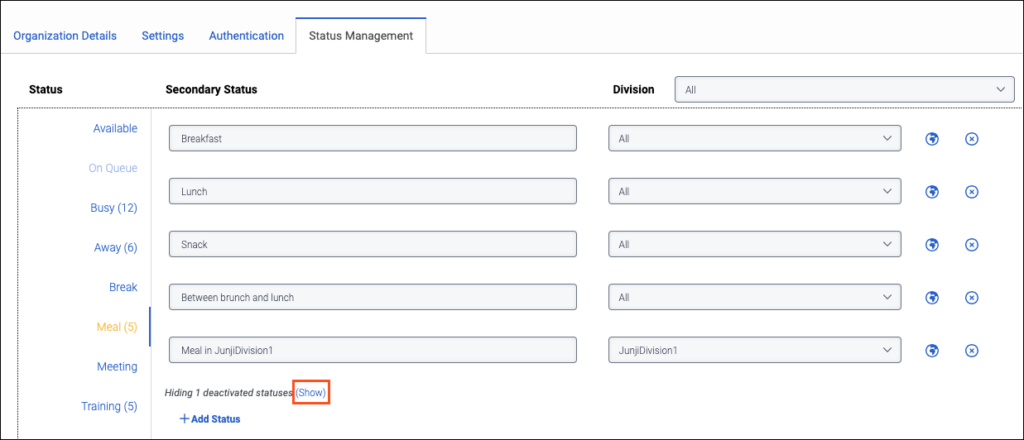
- Next to the status that you want to reactivate, click the Reactivate icon.

- Click Save.